Figma just raised the stakes for design tooling. With the launch of Figma Make, the company is moving decisively into AI-assisted development — turning the gap between design and production code into something much smaller. Whether you're a product designer, a front-end engineer, or a founder building your first app, this update changes how you'll think about the design-to-development handoff.
What Is Figma Make?
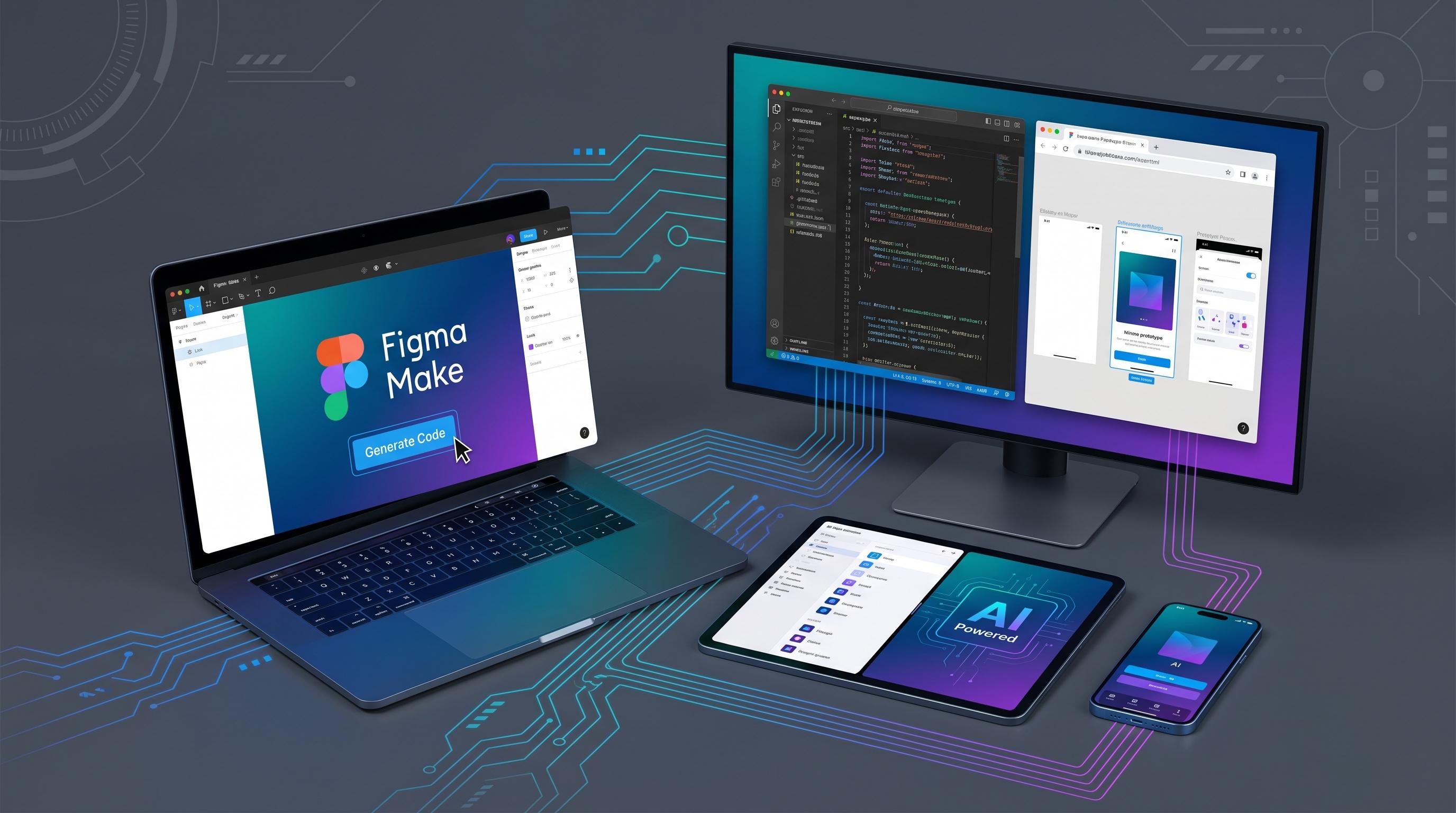
Figma Make is an AI-powered feature inside Figma that lets users generate functional, interactive code directly from design files. Instead of handing off a static mockup to a developer, designers can now prompt Figma's AI to produce real UI components, complete with logic and interactivity.
The feature sits inside the Figma editor and is powered by a combination of large language models and Figma's own design graph — giving it deep context about your components, styles, and layout constraints. Think of it as a co-pilot that understands both design intent and code structure simultaneously.
How Make Differs from Figma's Previous Dev Tools
Figma has offered developer handoff tools for years — inspect panels, code snippets, and Dev Mode — but those were always passive. Make is active. You describe what you want, and the AI builds it, iterates on it, and adjusts it based on your feedback in real time.
This is a fundamental shift from "here's the spec" to "here's the working thing." The output is editable code, not a locked artifact.
Key AI Features Inside Figma Make
Figma Make ships with several distinct AI capabilities, each targeting a different part of the design and development workflow. Here's a breakdown of the most significant ones:
Prompt-to-UI generation: Type a plain-language description of a screen or component, and Figma Make generates a fully structured UI layout with appropriate components from your design system.
Design-to-code export: Convert existing Figma frames into clean, production-ready code in React, HTML/CSS, or other supported frameworks — with fidelity to your original design tokens.
Interactive prototyping via AI: Add real interactions and conditional logic to prototypes without manually wiring every state — just describe the behavior you want.
Component suggestions: The AI scans your existing design library and recommends reusable components as you build, reducing design drift and inconsistency.
Iterative editing with natural language: Select any element and prompt the AI to modify it — change the layout, adjust spacing, swap color styles — without touching the properties panel.
Pro Tip: Figma Make works best when your design file already uses a structured component library. The AI uses your existing tokens and styles as guardrails, which dramatically improves the quality of generated code.
Who Should Be Paying Attention
Figma Make isn't just a designer's tool — it sits squarely at the intersection of design and engineering, making it relevant to multiple roles on a product team.
For Designers
Make removes the anxiety of the handoff. You no longer need to over-specify every pixel with the hope that a developer will interpret it correctly. You can validate your design with real, functional code before it ever reaches an engineer's backlog.
For Front-End Developers
The generated code gives developers a strong starting point rather than a blank file. Instead of rebuilding a component from a screenshot, engineers receive structured, editable code they can integrate directly into a codebase — with far less manual translation work.
For Founders and Solo Builders
If you're a non-technical founder or a one-person team, Make dramatically lowers the barrier to building functional prototypes. You can go from idea to interactive demo in hours, not weeks — without hiring a developer for early validation work.
Limitations and Honest Caveats
Figma Make is impressive, but it's not magic. Like all AI code generation tools, the output quality depends heavily on the quality of your inputs — a messy, unstructured Figma file will produce messy, unstructured code.
Complex business logic: Make handles UI well, but deep application logic — authentication flows, API integrations, database interactions — still requires a developer's hand.
Framework support: At launch, framework coverage is limited. Teams using niche or highly customized stacks may need significant post-processing of the generated output.
Design system dependency: The AI performs significantly better with well-organized component libraries. Ad-hoc or inconsistent files will yield less reliable results.
Code review still required: AI-generated code should always be reviewed before merging into production. Accessibility, performance, and security considerations need a human pass.
Important: Treat Figma Make's code output as a high-quality first draft, not a finished deliverable. Build a review step into your workflow from day one.
How Figma Make Fits Into the Broader AI Tooling Landscape
Figma Make enters a market that already includes tools like Builder.io, Locofy, and Anima — all of which offer design-to-code conversion. What sets Make apart is its native integration inside Figma itself, eliminating the friction of exporting files and importing them into a separate tool.
It also positions Figma more directly against emerging AI-native design tools like Galileo AI and Uizard, signaling that the company sees generative AI as central to its long-term product strategy — not a bolt-on feature.
Key Takeaways
Figma Make generates real code: This is not a prototype export — it produces functional, editable UI code from your design files using AI prompting.
Natural language is the new interface: Designers and developers can describe changes in plain English, making the tool accessible to a much wider range of users.
Best results require clean design files: Structured component libraries and consistent design tokens are the foundation for high-quality AI output.
Human review remains essential: AI-generated code is a starting point, not a finish line — accessibility, security, and logic still need developer oversight.
The design-dev handoff is changing fast: Figma Make is the clearest signal yet that the traditional boundary between designer and developer is being fundamentally renegotiated by AI.