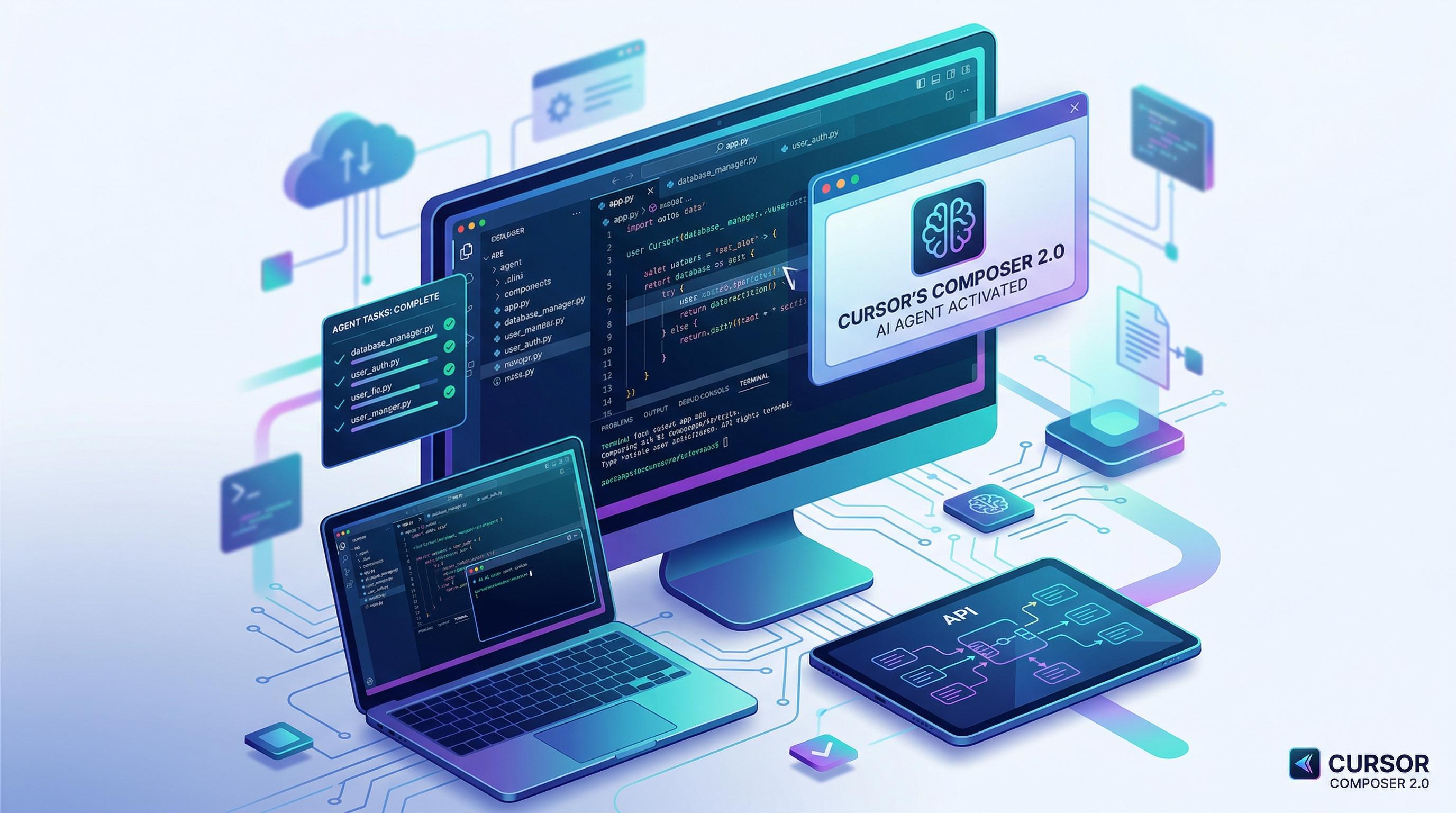
Cursor just raised the bar for AI-assisted development. The team behind the popular AI-native IDE has shipped Composer 2.0 — a significant upgrade to its agentic coding system that promises smarter reasoning, deeper codebase awareness, and the ability to execute complex, multi-step tasks with far less hand-holding from the developer.
What Is Composer 2.0?
Composer is Cursor's answer to the question: what if your AI assistant could actually do the work, not just suggest it? Rather than offering inline completions or single-file edits, Composer operates as a full agent — reading context across your entire project, planning a sequence of changes, and executing them autonomously.
Version 2.0 builds on that foundation with a more capable model under the hood, improved instruction-following, and tighter integration with the editor's terminal and file system. Think of it as the difference between an AI that writes code for you and one that works alongside you as a senior engineer would.
Why This Upgrade Matters
Earlier versions of Composer were impressive but occasionally inconsistent — prone to losing context on large tasks or making edits that didn't account for downstream dependencies. Composer 2.0 addresses these pain points directly, with better long-context handling and more reliable multi-file coherence.
For professional developers working on production codebases, that reliability gap was the difference between a useful tool and a frustrating one. The 2.0 release is squarely aimed at closing it.
Key Features of Composer 2.0
The upgrade ships with a meaningful set of improvements across planning, execution, and developer control. Here is what stands out:
Improved multi-file editing: Composer 2.0 can plan and execute coordinated changes across dozens of files simultaneously, maintaining consistency in naming conventions, imports, and logic flow.
Autonomous terminal execution: The agent can run shell commands, install dependencies, execute tests, and interpret the output — iterating on its own work without requiring the developer to manually relay results.
Enhanced codebase indexing: A smarter retrieval system means the agent surfaces the right context from your project at the right time, reducing hallucinated APIs or incorrect function signatures.
Checkpoint and rollback: Composer 2.0 introduces clearer checkpointing so developers can review changes at each stage and roll back individual steps without undoing the entire session.
Natural language task planning: Describe a feature in plain English and Composer will decompose it into discrete engineering steps, showing its plan before executing — giving developers a chance to redirect before any code is written.
Model flexibility: Users can route Composer tasks through different underlying models, including Claude 3.5 Sonnet and GPT-4o, depending on the complexity and cost tolerance of the task.
Pro Tip: Use Composer 2.0's plan-review step as a forcing function for your own thinking. If the agent's proposed breakdown looks wrong, that is a signal your requirements need more clarity — not just the AI's.
How to Get the Most Out of the Composer Agent
Raw capability only matters if you know how to direct it. Composer 2.0 rewards developers who give it structured, specific prompts and treat it like a junior engineer who needs clear acceptance criteria — not a magic box that reads minds.
Writing Effective Composer Prompts
The quality of your output is directly tied to the quality of your input. Vague instructions like "refactor this module" will produce mediocre results. Specific instructions with context, constraints, and expected outcomes will unlock the agent's full potential.
Specify scope explicitly: Tell Composer exactly which files, modules, or features are in play. "Refactor the authentication middleware in
src/middleware/auth.tsto use the new JWT utility" is far more actionable than "fix the auth code."Define your constraints: Mention what should not change — existing API contracts, test coverage requirements, or third-party integrations — so the agent doesn't introduce unintended side effects.
Ask for the plan first: Prompt Composer to outline its approach before writing any code. This catches misunderstandings early and keeps you in control of the architecture.
Iterate in stages: Break large features into smaller Composer sessions. The agent performs best on well-scoped tasks rather than sprawling, open-ended rewrites.
Integrating Composer Into Your Daily Workflow
Composer 2.0 is not a replacement for developer judgment — it is a force multiplier for it. The teams seeing the biggest productivity gains are using it to eliminate the tedious scaffolding work that consumes hours without adding intellectual value.
Boilerplate generation: Spin up new API routes, data models, or component skeletons in seconds, then focus your energy on the business logic that actually differentiates your product.
Test writing: Describe the behavior you want to verify and let Composer draft the test suite, which you then review and refine — cutting test-writing time dramatically.
Refactoring at scale: Rename a core abstraction, migrate a deprecated library, or enforce a new pattern across the entire codebase without hunting through files manually.
Bug investigation: Feed Composer an error trace and ask it to trace the execution path, identify the root cause, and propose a fix — complete with an explanation of its reasoning.
Important: Always review Composer's diffs before committing, especially on production codebases. The agent is powerful, but it does not have full context of your team's unwritten conventions, business rules, or deployment constraints.
Composer 2.0 vs. the Competition
The agentic coding space is getting crowded fast. GitHub Copilot Workspace, Devin, Replit's AI agent, and Amazon Q Developer are all competing for the same developer mindshare. So where does Composer 2.0 fit?
Cursor's edge is its deep integration with the local development environment. Unlike cloud-first agents that operate in sandboxed environments, Composer works directly inside your existing IDE setup — your local files, your terminal, your git history. That familiarity lowers the adoption barrier significantly and keeps sensitive code off third-party servers when configured correctly.
vs. GitHub Copilot Workspace: Copilot Workspace is tightly coupled to GitHub's cloud infrastructure. Composer 2.0 offers more flexibility for teams working with local or private repositories.
vs. Devin: Devin is a fully autonomous agent designed to operate independently for long periods. Composer 2.0 keeps the developer in the loop at each checkpoint — a deliberate design choice that many teams will prefer for production work.
vs. Windsurf (Codeium): Windsurf is Cursor's closest direct competitor in the AI-native IDE space. Composer 2.0's rollback and plan-review features currently give it a usability edge for complex refactoring tasks.
Bottom Line
Composer 2.0 is a meaningful step forward for AI-assisted development — not because it replaces the developer, but because it removes the friction between having an idea and seeing it implemented. The planning transparency, multi-file coherence, and terminal autonomy make it one of the most capable coding agents available inside a production-grade IDE today.
Composer 2.0 is an agent, not an autocomplete: It plans, executes, and iterates across your entire project — a fundamentally different paradigm from inline suggestions.
Prompt quality drives output quality: Specific, scoped, constraint-aware prompts will consistently outperform vague instructions.
The plan-review step is your safety net: Always inspect Composer's proposed approach before execution, especially on critical paths.
Local-first architecture is a real advantage: Cursor's tight integration with your local environment keeps workflows fast and keeps sensitive code under your control.
Use it for leverage, not replacement: The highest-value use cases are eliminating scaffolding, boilerplate, and large-scale refactoring — freeing developers to focus on the work that actually requires human judgment.