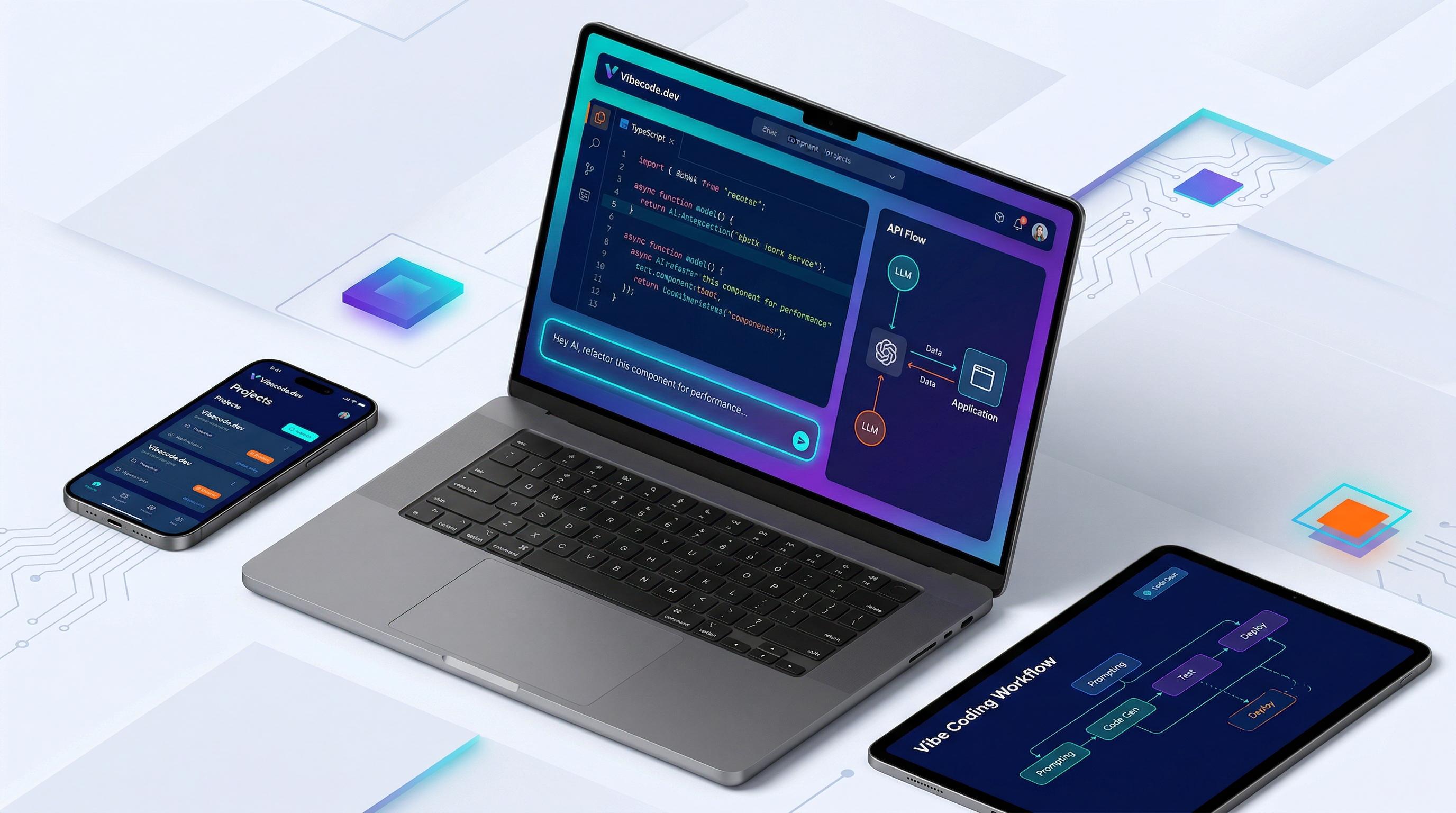
Vibe coding has gone from a Twitter meme to a legitimate development methodology — and now it has a dedicated tool built around it. Riley Brown's Vibecode.dev is a purpose-built platform designed to help developers and non-developers alike build real software through natural language prompts, iterative AI collaboration, and a workflow that prioritizes speed over ceremony.
What Is VibecodeApp.dev?
VibecodeApp.dev is an AI-assisted development environment created by indie developer and builder Riley Brown. Unlike general-purpose AI coding assistants bolted onto existing editors, VibecodeApp.dev is designed from the ground up around the vibe coding philosophy — the idea that you describe what you want, iterate fast, and let AI handle the heavy lifting of implementation.
The tool targets a wide audience: solo founders who need to ship MVPs quickly, developers who want to prototype without context-switching, and technical beginners who have ideas but limited coding experience.
The Vibe Coding Philosophy
The term "vibe coding" was popularized by Andrej Karpathy earlier in 2025 to describe a flow state of building where you lean fully into AI generation rather than writing every line manually. VibecodeApp.dev operationalizes that concept into a structured product rather than a loose workflow.
The platform removes the friction points that typically break the vibe — environment setup, boilerplate scaffolding, and context loss between sessions.
Core Features Worth Knowing
VibecodeApp.dev ships with a focused feature set aimed at keeping developers in flow. Here's what stands out from the initial release:
Natural language project scaffolding: Describe your app idea in plain English and the tool generates a working project structure, file layout, and starter code without manual configuration.
Iterative prompt-to-code loop: Each prompt builds on the last, maintaining context across your session so you're not re-explaining your app every time you want a new feature.
Integrated preview environment: See your changes rendered in real time alongside the code, reducing the back-and-forth between editor and browser.
Export-ready output: Generated code is clean and exportable, so you're not locked into the platform — you can take your project into any standard development environment.
Beginner-friendly UX: The interface strips away IDE complexity, making it accessible to builders who aren't professional developers but still need to ship working software.
Pro Tip: If you're using VibecodeApp.dev to prototype, start with a single-sentence app description and let the tool scaffold first — then layer in specifics. Fighting the AI's initial structure often slows you down more than starting fresh.
How It Compares to the Existing Landscape
The AI coding tool space is crowded. Cursor, GitHub Copilot, Bolt.new, and Lovable all compete for developer attention. So where does VibecodeApp.dev fit?
The key differentiator appears to be intentional simplicity. Where Cursor is built for professional developers who want AI augmentation inside a full-featured editor, VibecodeApp.dev strips the experience down to the prompt-and-build loop — making it faster to start but potentially less powerful for complex, production-scale projects.
Who It's Best Suited For
Solo founders and indie hackers: The speed-first workflow is ideal for validating ideas quickly without spinning up a full development environment.
Designers and product managers: Non-engineers who need functional prototypes rather than static mockups will find the natural language interface approachable.
Developers prototyping side projects: When you want to move fast on a personal project without the overhead of your professional toolchain, a focused tool like this reduces friction significantly.
Beginners learning by doing: Seeing AI generate working code in response to your descriptions is a powerful way to learn structure and patterns alongside building something real.
Early Impressions and Caveats
VibecodeApp.dev is a new release, and like most tools in this space, it will evolve quickly. Early users report a smooth onboarding experience and a genuinely fast path from idea to working prototype — which is exactly what the tool promises.
That said, complex application logic, custom backend integrations, and production-hardening will likely push users toward more robust environments. VibecodeApp.dev appears positioned as a starting point and rapid prototyping layer, not a full-stack production platform — at least in its current form.
Important: Always review AI-generated code before deploying anything to production. Vibe coding tools accelerate building, but security reviews, error handling, and performance audits remain your responsibility.
Key Takeaways
Purpose-built for vibe coding: Unlike general AI assistants, VibecodeApp.dev is designed entirely around the prompt-iterate-build loop from day one.
Created by Riley Brown: An indie-built tool with a focused vision, which typically means faster iteration and a direct line of feedback to the creator.
Best for speed and prototyping: The tool shines when you need to move from idea to working demo quickly, not when you're building complex production systems.
Exportable, non-locked output: Your code stays yours and travels with you, which is a meaningful advantage over more closed platforms.
Worth watching: The vibe coding space is moving fast, and purpose-built tools like this one are defining what the next generation of software development looks like.