What is Claude Code?
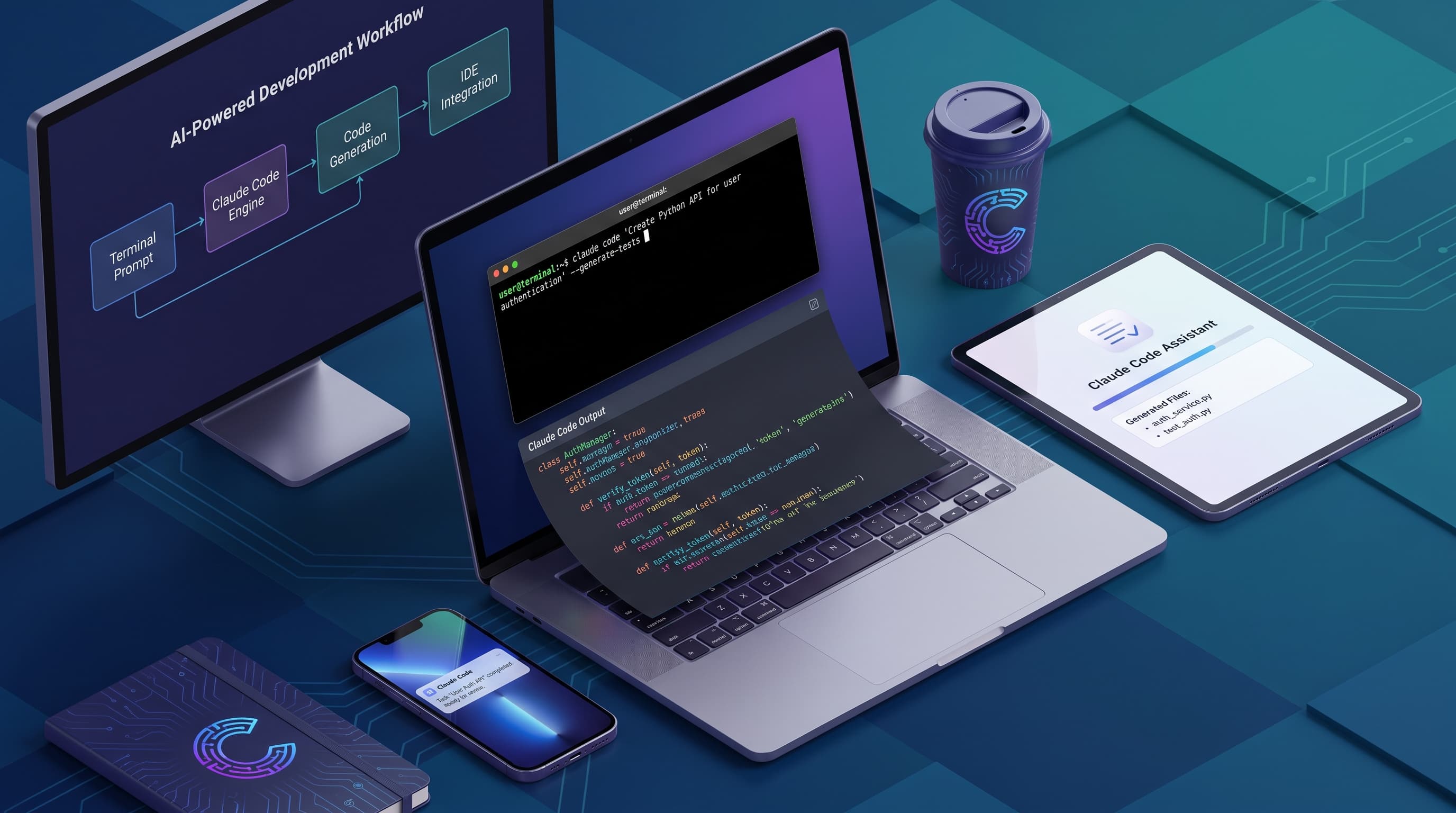
Claude Code is a command-line tool that brings Claude's capabilities directly into your development workflow. Instead of describing what you want to build in a web interface and then manually transferring code to your project, Claude Code works directly in your codebase—reading files, making changes, and executing commands as needed.
Think of it as having an expert coding partner who can see your entire project structure, understand context across multiple files, and make intelligent decisions about how to implement features or fix bugs.
Why Use Claude Code?
Stay in Your Flow
Developers know that context switching kills productivity. With Claude Code, you never leave your terminal. You describe what you need, and Claude handles the implementation—whether that's writing new features, refactoring code, debugging issues, or updating documentation.
Project-Aware Intelligence
Claude Code isn't just generating isolated snippets. It reads your codebase, understands your project structure, follows your existing patterns, and makes changes that fit naturally with your architecture. It can work across multiple files simultaneously, ensuring consistency throughout your project.
Agentic Capabilities
This isn't just autocomplete on steroids. Claude Code can plan multi-step implementations, run tests to verify its changes, install dependencies, and even debug errors autonomously. It can execute terminal commands, read error messages, and iterate on solutions until they work.
Getting Started
Claude Code is designed to be straightforward to set up. You can find complete documentation and installation instructions at https://docs.claude.com/en/docs/claude-code.
Once installed, you can start delegating coding tasks directly from your command line, and Claude will work within your project directory to complete them.
Use Cases
Feature Development
"Add user authentication with JWT tokens" or "Create a REST API endpoint for user profiles"—describe what you want, and Claude Code implements it across however many files are needed.
Refactoring
"Convert this class-based component to use hooks" or "Refactor this function to be more performant"—Claude understands your code and makes intelligent improvements.
Debugging
"The login flow is broken" or "Fix the failing tests in the user module"—Claude can investigate, identify issues, and implement fixes.
Documentation
"Add JSDoc comments to all functions" or "Generate a README for this module"—Claude documents code in a way that actually makes sense.
The Future of Coding
Claude Code represents a shift in how we think about software development. It's not about replacing developers—it's about amplifying their capabilities. Handle the creative, architectural decisions while delegating implementation details. Focus on what to build while Claude handles much of the how.
As AI coding tools evolve, the developers who thrive will be those who learn to effectively collaborate with AI assistants, treating them as powerful tools that extend their capabilities rather than threats to their profession.
Learn More
Ready to try Claude Code? Visit https://docs.claude.com/en/docs/claude-code for setup instructions, best practices, and detailed documentation on how to get the most out of agentic coding with Claude.
The future of development is collaborative, agentic, and more productive than ever. Welcome to coding with Claude Code.