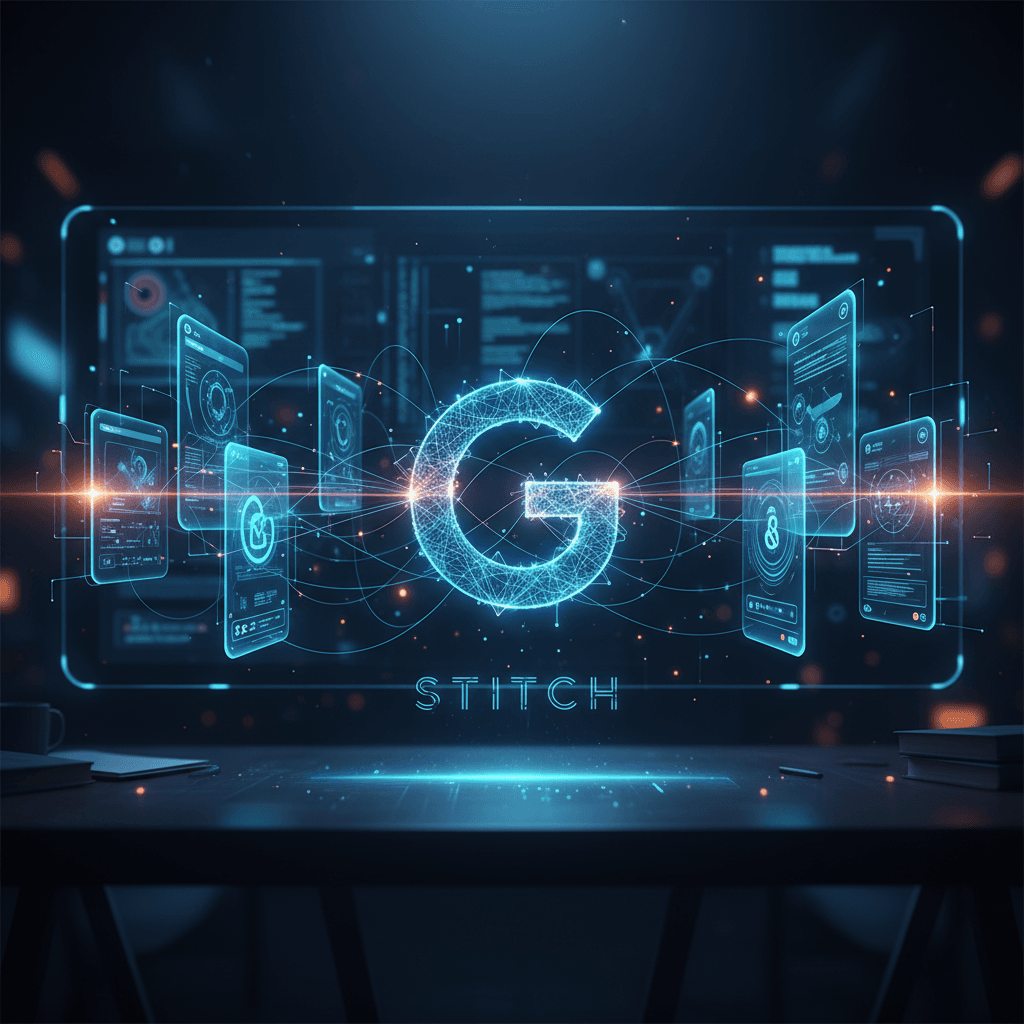
Announced at the recent Google I/O 2025, Stitch promises to accelerate the journey from idea to interactive prototype, making app creation faster and more accessible than ever before.
For anyone involved in app development – from seasoned designers and developers to enthusiastic beginners – Stitch offers a tantalizing glimpse into the future of UI creation. This experimental tool, hailing from Google Labs, leverages the power of Google's advanced AI models, Gemini 2.5 Pro and Gemini 2.5 Flash, to transform simple text prompts or even images into functional UI designs and corresponding front-end code.
Key Features: What Makes Google Stitch Stand Out?
Google Stitch isn't just another design tool; it's an intelligent partner aimed at streamlining the early, often time-consuming, stages of UI development. Here's a look at its standout capabilities:
AI-Powered Design Generation: Describe your app idea in plain English – "a blue-themed photo-sharing app" – or upload a sketch, wireframe, or even an inspiring screenshot. Stitch's AI will interpret your input and generate a visual UI design.
Frontend Code on Demand: Beyond the visuals, Stitch automatically generates HTML and CSS code, providing a foundational, working prototype that can be quickly iterated upon.
Rapid Prototyping and Iteration: Need to explore different design directions? Stitch can produce multiple design variants, allowing for swift experimentation with layouts, themes, fonts, and colors.
Conversational Refinement: Tweak your designs using natural language. Simply "talk" to Stitch to make adjustments, much like conversing with an AI assistant.
Seamless Figma Integration: Once you have a design you're happy with, Stitch allows for easy export to Figma, a popular industry-standard design tool, for further refinement and collaboration.
Direct Code Export: Developers can directly export the generated code to their preferred Integrated Development Environments (IDEs) to continue building out the application.
Who is Google Stitch For?
Google has designed Stitch with a broad audience in mind:
Beginners: Individuals with an app idea but limited design or coding experience can use Stitch to create professional-looking app designs.
Developers: Can rapidly prototype and iterate on UI concepts, then directly export code to kickstart development.
Designers: Can quickly generate multiple design versions and seamlessly transfer them to Figma or other tools for more detailed work.
The Bigger Picture: Stitch in the Evolving AI Landscape
Google Stitch enters the scene as AI continues to reshape various industries. While it's not intended to fully replace comprehensive design platforms like Figma or Adobe XD, its strength lies in supercharging the initial phases of UI creation and bridging the gap between concept and code. Early feedback from the community highlights its potential for quick prototyping, though, like any new tool, it's still in its beta phase and evolving.
Getting Started with Google Stitch
Google Stitch is currently available in public beta for users aged 18 and above in 212 countries (initially in English only). Users can experiment with the tool, which offers free use with monthly quotas on the number of generations.
The Future is Woven with AI
Google Stitch represents a significant step towards democratizing app design and development. By harnessing the power of AI, Google is empowering a wider range of creators to bring their visions to life more efficiently. As Stitch continues to learn and improve, it will be fascinating to see how it "stitches" itself into the fabric of the UI/UX design workflow.
Are you ready to try Google Stitch? Head over to stitch.withgoogle.com and start designing the future!